
White or black border? How to choose
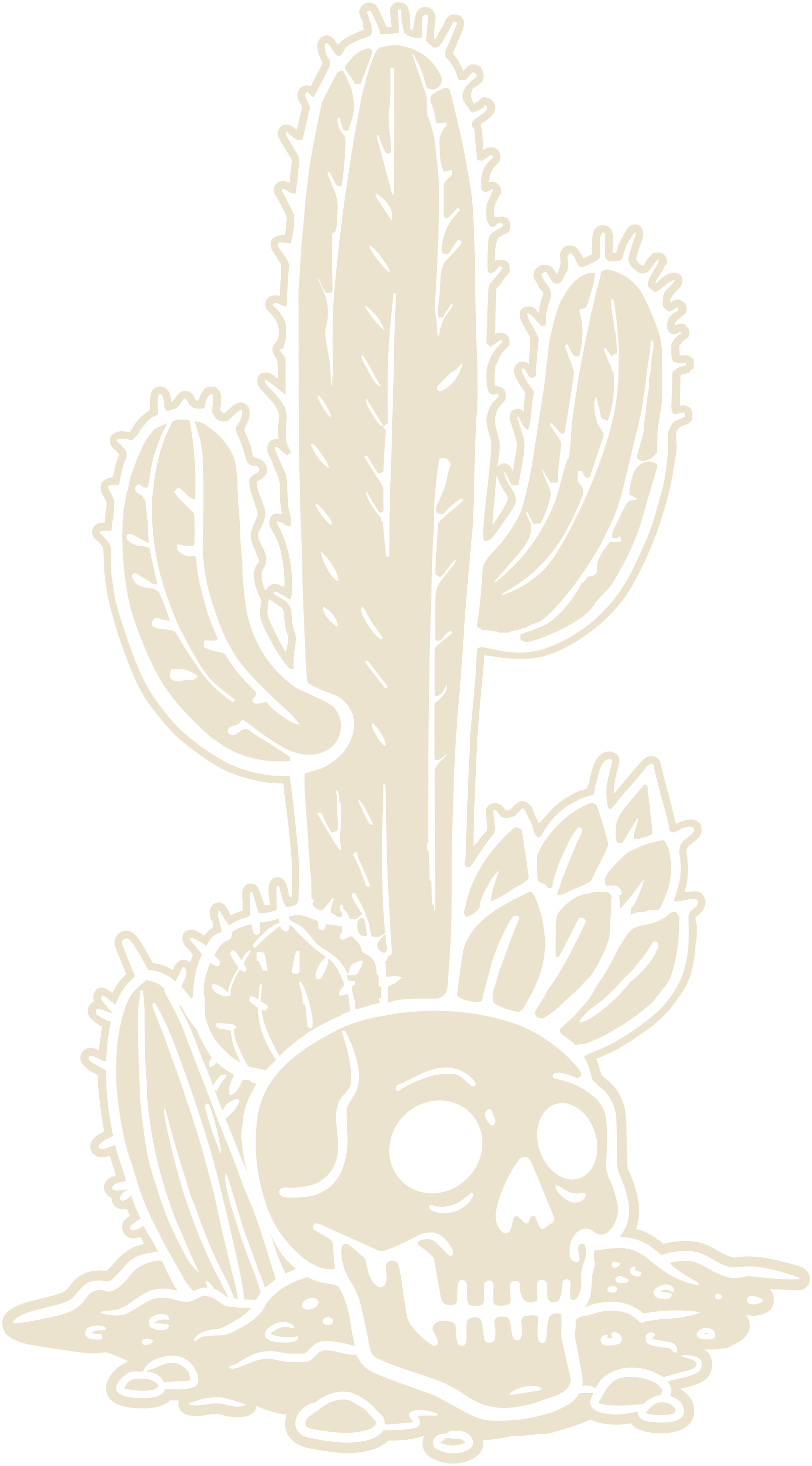
Every die-cut sticker has a thin border where we cut, about 2 mm wide. You can choose white or black, and it makes a bigger difference than you'd think.
When to go white
- Your design has lots of dark colours or a dark outline.
- The sticker is going on a dark surface, like a black laptop or bottle.
- You want that classic, clean sticker look.
When to go black
- Your design is light or pastel, and a white edge would blend in.
- Your artwork already has a bold black outline, so the border becomes part of the design.
- The sticker is going on a light surface.
Try both
Upload your artwork in the sticker builder and switch between white and black. The preview updates straight away.
Ready to make yours?
Build your stickersMore from the blog

How to get your artwork sticker-ready
File types, resolution and the small things that make a big difference to how your stickers turn out.
Read more →
What size sticker should I get?
From tiny laptop stickers to big shopfront decals, a quick guide to picking the right size.
Read more →Making your stickers last
Our stickers are tough, but a few simple habits keep them looking brand new for longer.
Read more →